
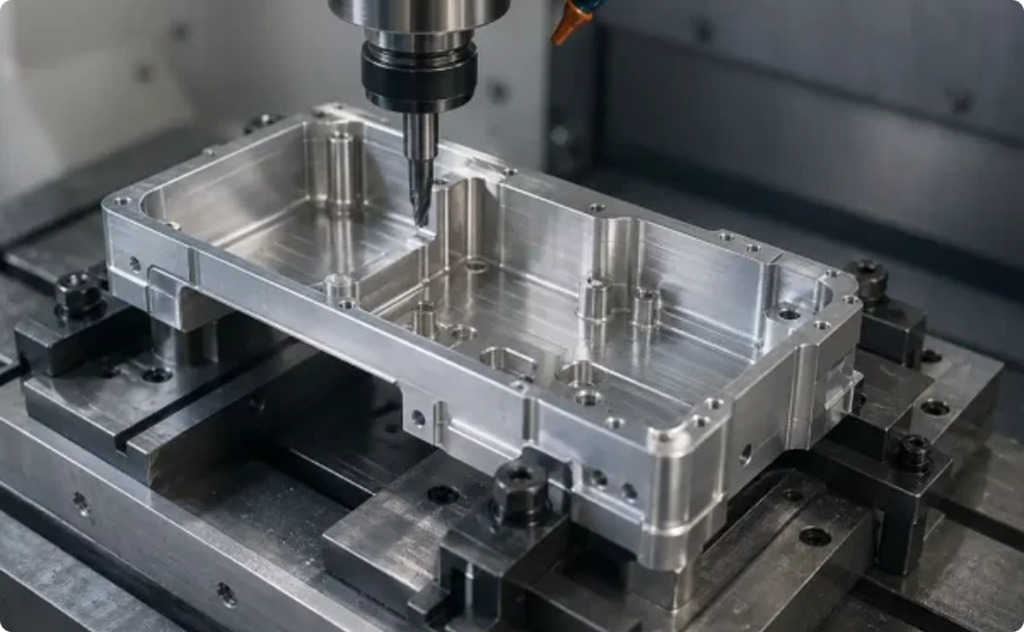
Compare top 10 3D printing cost calculators and discover tools with fast quotes and clear pricing to help calculate your cost of 3d printing.
Introduction
For engineers, designers, and businesses, understanding the 3D printing cost of a prototype or production part helps balance innovation with budget control.
However, choosing the right 3D printing cost calculator can be challenging. Many online tools exist, but their accuracy, level of detail, and pricing transparency vary widely. Some provide only rough estimates, while others integrate material options, post-processing, and shipping into a more comprehensive calculation.
The purpose of this article is to compare different 3D printing cost calculators and highlight how they work, what factors they consider, and which platforms offer the most reliable results. This will help you identify the most suitable tool for your design and manufacturing needs.
Comparison Dimensions
To evaluate different 3D printing cost calculators, it is important to look beyond the final price. A meaningful comparison should consider the following dimensions:
1. Supported Processes and Materials
a. Different calculators may focus on specific 3D printing technologies such as FDM, SLA, SLS, or metal printing.
b. The range of supported materials (plastics, resins, metals, composites) directly affects the accuracy and relevance of the cost estimate.
2. Input Method and Flexibility
a. Some tools allow users to upload 3D files (STL/STEP) for automatic analysis, while others require manual input of dimensions and material.
b. Higher flexibility means users can quickly adapt calculations to different design scenarios.
3. Transparency of Cost Results
a. A transparent calculator breaks down costs into material, machine time, labor, and finishing steps.
b. This helps engineers and decision-makers understand where the budget is allocated and identify opportunities for cost reduction.
4. User Experience and Ease of Use
a. A clear interface and intuitive workflow save time, especially for users without deep manufacturing knowledge.
b. Good UX also minimizes the risk of input errors, leading to more accurate cost results.
5. Quotation and Service Model
a. Some calculators are purely estimation tools, while others are linked directly to service providers for instant quotations.
b. Understanding whether a tool offers instant pricing, on-demand manufacturing, or custom service requests helps users choose according to their project stage.Main Platforms and Tools Overview
Xometry
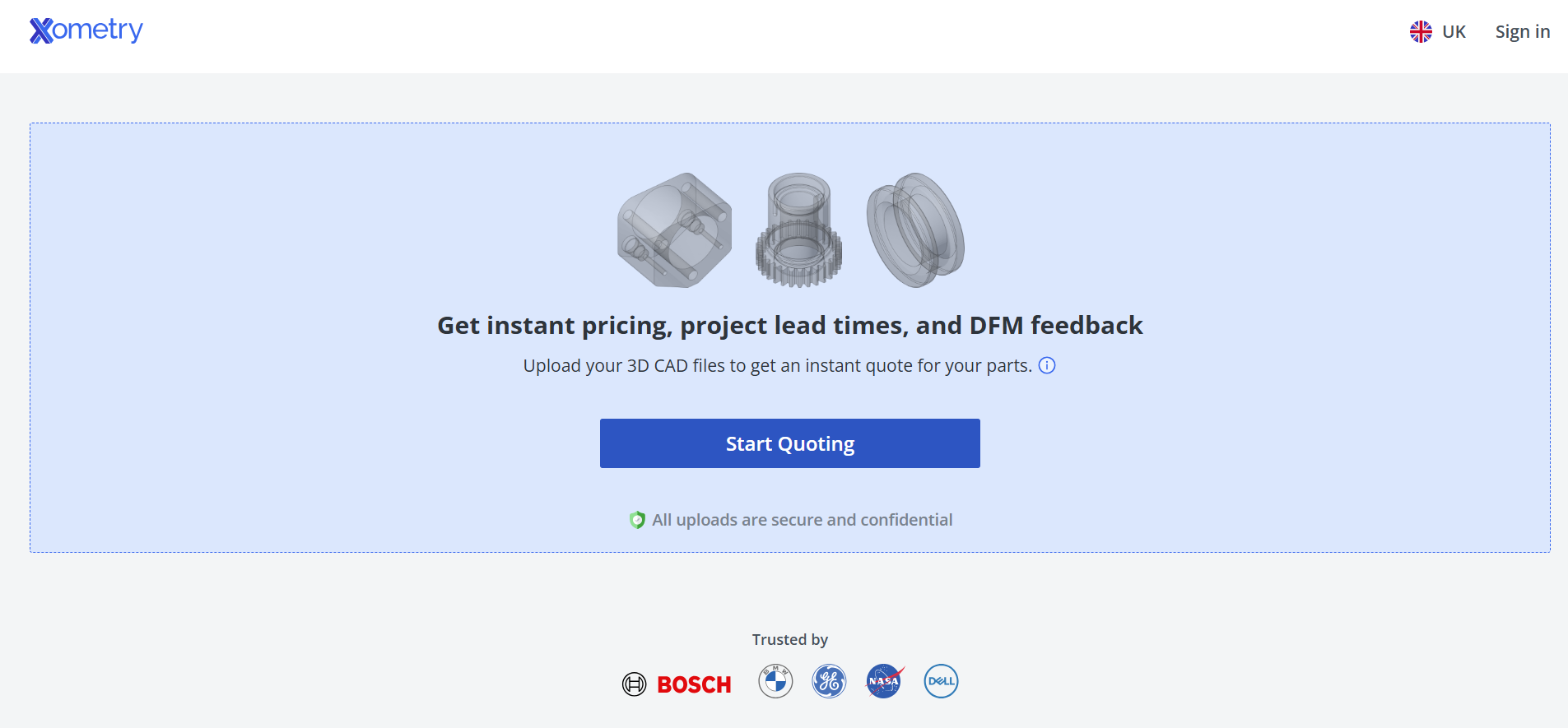
Source: xometry.com
● Country: 🇺🇸 USA
● In-House Production? No (Network Model)
● Certifications: ISO 9001, AS9100, ITAR (via network)
● Trustpilot Score: 4.8 / 5.0
Xometry is one of the largest on-demand manufacturing platforms in the United States. Its instant quoting system supports multiple processes including metals, plastics, and machining.
Users can upload design files to receive instant multi-process quotes. While the interface is professional, registration is required before accessing full functionality, making it best suited for engineers and corporate buyers.
Protolabs
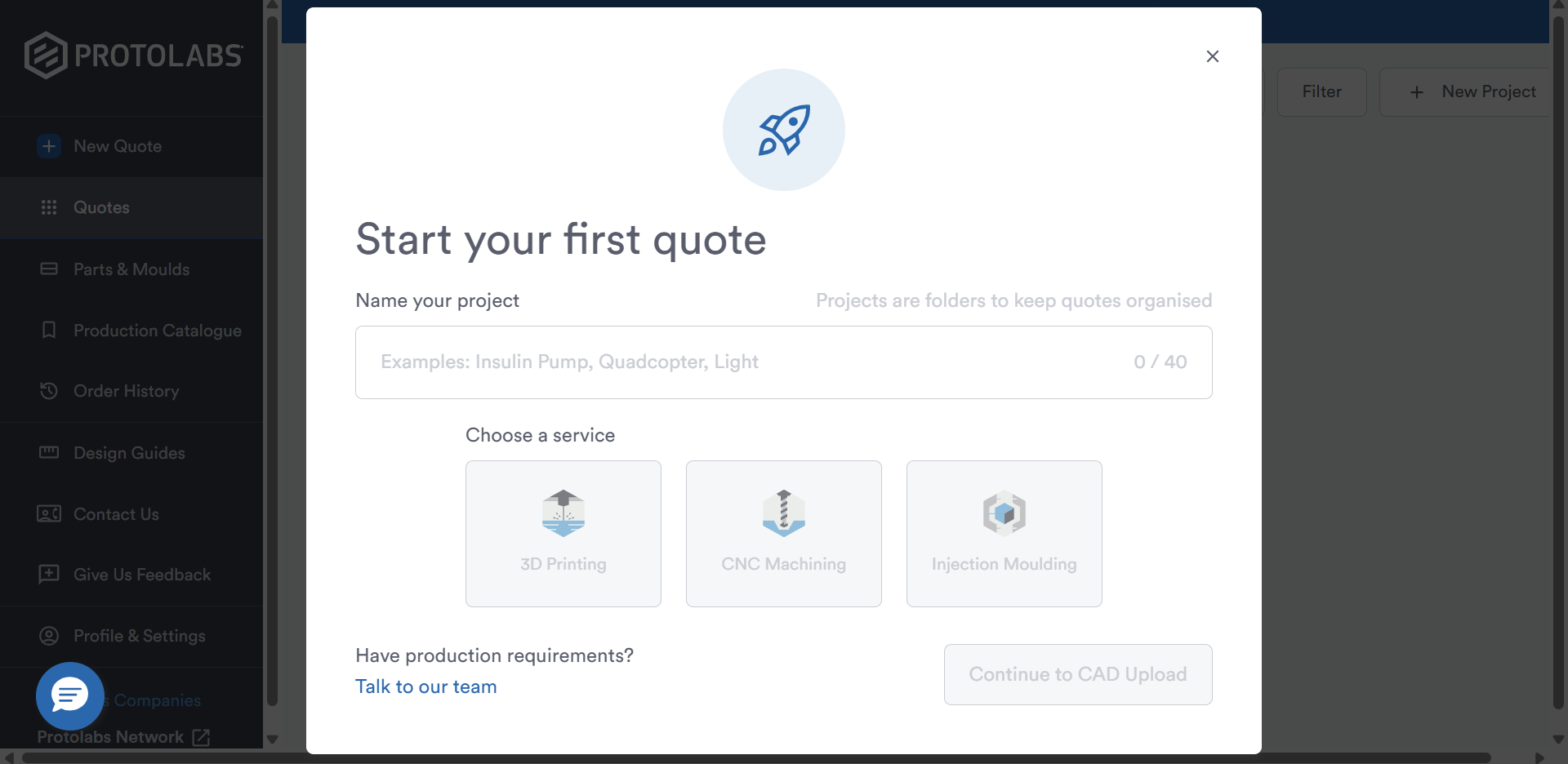
Source: buildit.protolabs.com
● Country: 🇺🇸 USA
● In-House Production? Yes (Primarily In-House with Network Support)
● Certifications: ISO 9001, AS9100, ISO 13485
● Trustpilot Score: 4.1 / 5.0
Protolabs is well known for speed and reliability in digital manufacturing. Its cost calculator provides real-time pricing for SLA, SLS, and DMLS 3D printing, as well as CNC machining and injection molding. With a strong in-house production model, it is ideal for rapid prototyping and small batch production with high consistency.
Unionfab
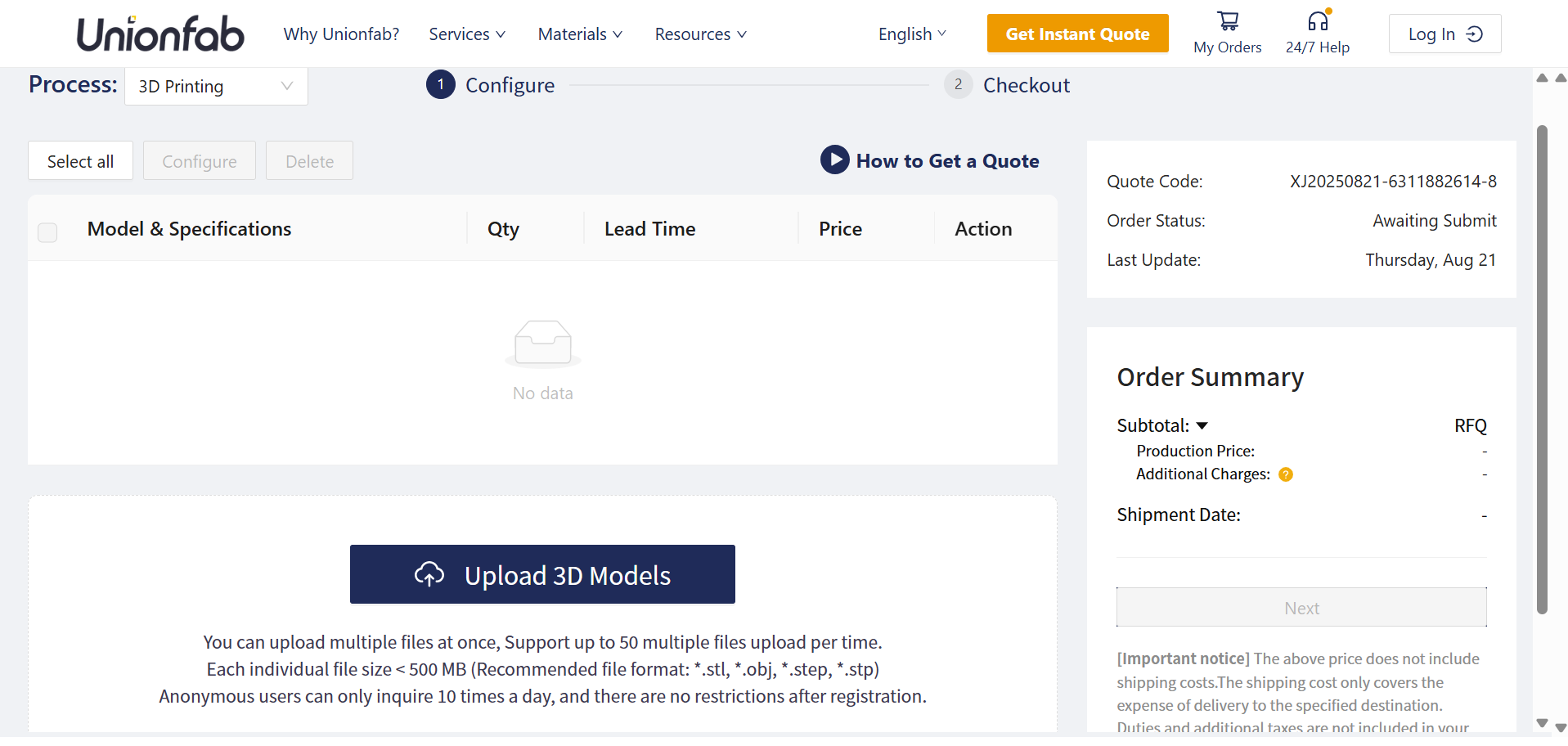
Source: unionfab.com
● Country: 🇨🇳 China
● In-House Production? Yes (6+ factories, 1,000+ printers)
● Certifications: ISO 9001, AS9100, ISO 13485
● Trustpilot Score: 4.6 / 5.0
Unionfab is China’s largest industrial 3D printing platform, offering one of the most comprehensive 3D printing cost calculators worldwide. The platform supports a broad range of technologies, including SLA, SLS, MJF, FDM, PolyJet, and metal printing (SLM/DMLS, binder jetting).
Its calculator provides transparent breakdowns of material, process, and finishing costs, integrated with Unionfab’s extensive in-house production capacity. This makes it especially suitable for companies seeking both cost efficiency and industrial-grade quality.
Sculpteo
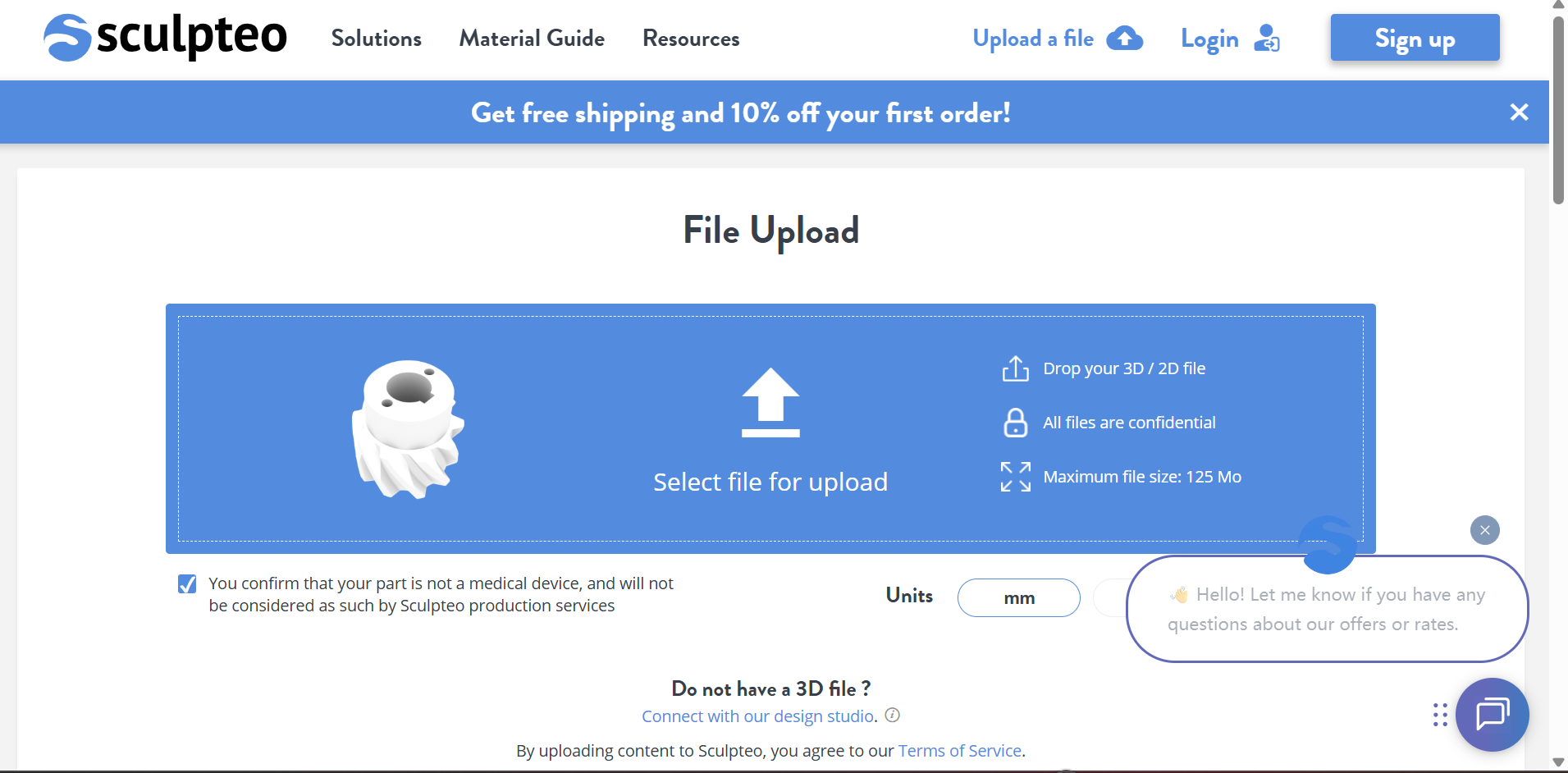
Source: sculpteo.com
● Country: 🇫🇷 France
● In-House Production? No (Network Model)
● Certifications: ISO 9001
● Trustpilot Score: 4.0 / 5.0
Sculpteo is a France-based platform acquired by BASF. Its calculator emphasizes design flexibility and optimization, allowing users to analyze files for cost reduction (e.g., hollowing, resizing) before quoting. It is a strong option for designers and startups looking for design feedback and affordable online services.
Shapeways
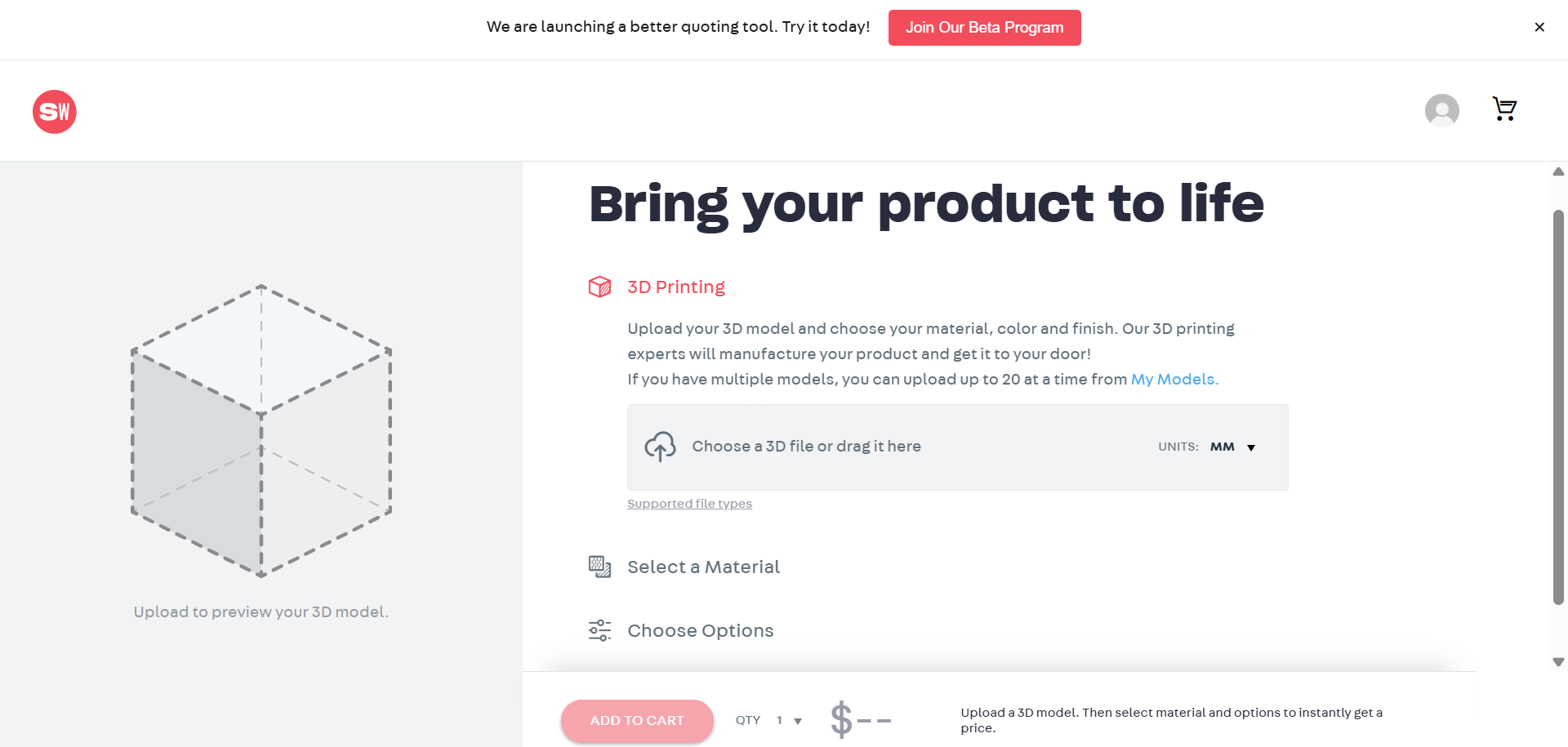
Source: shapeways.com
● Country: 🇺🇸 USA
● In-House Production? Yes (Hybrid Model)
● Certifications: ISO 9001
● Trustpilot Score: 2.2 / 5.0
Shapeways is widely known in the consumer and SME markets. Its calculator supports multiple plastics and metals, enabling users to upload designs and receive instant quotes. While more consumer-oriented, it also provides industrial-grade capabilities, making it a versatile option for small-scale businesses.
Stratasys Direct
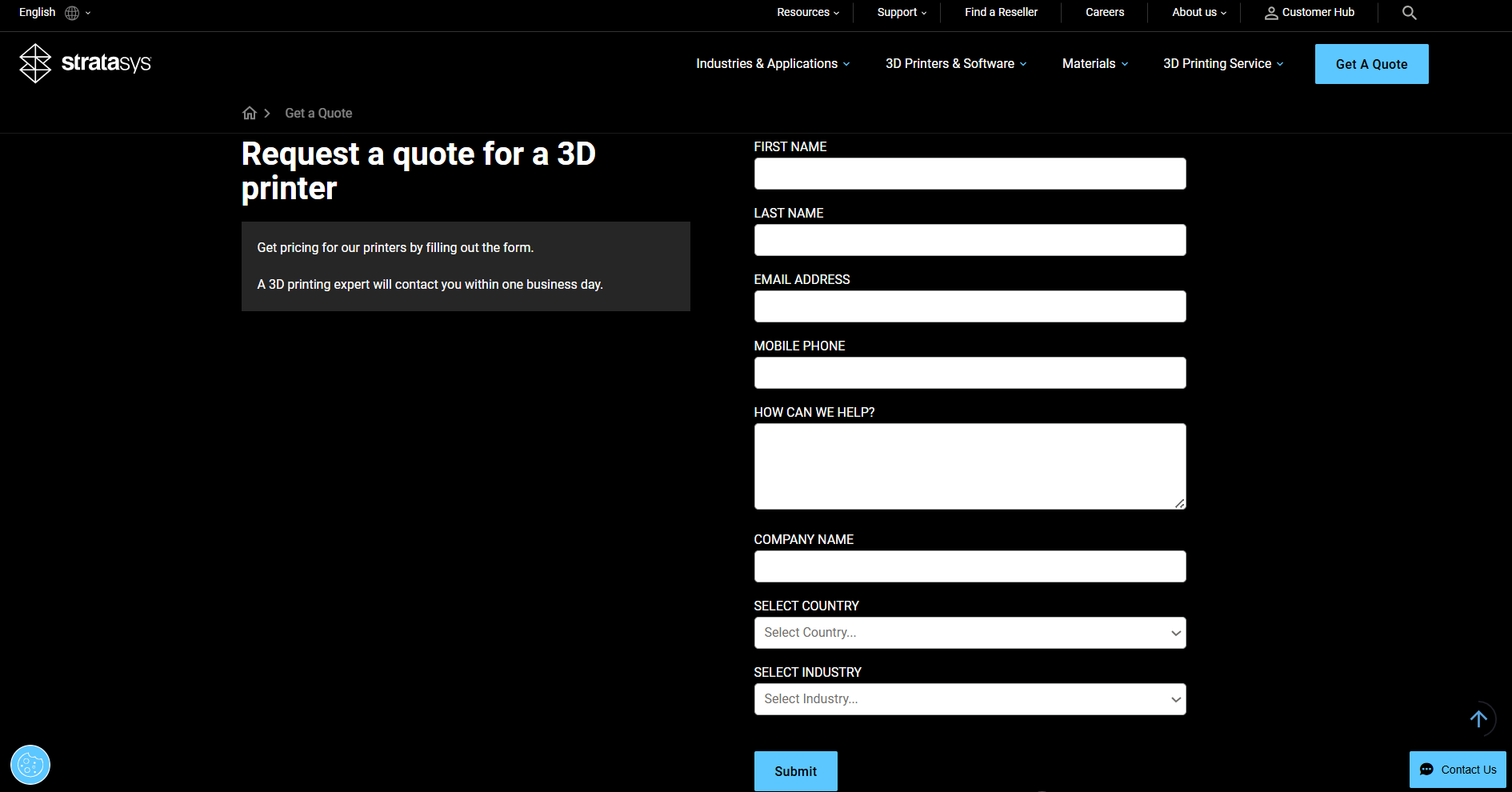
Source: stratasys.com
● Country: 🇺🇸 USA / 🇮🇱 Israel
● In-House Production? Yes (Exclusively)
● Certifications: AS9100, ISO 13485, ITAR
● Trustpilot Score: N/A
Stratasys Direct is the service bureau of Stratasys, one of the world’s leading 3D printer manufacturers. Its calculator supports proprietary technologies such as PolyJet, FDM, SLA, SLS, and SAF. It is best suited for enterprises already aligned with Stratasys’ ecosystem, especially in aerospace and automotive sectors that demand certified processes.
Materialise
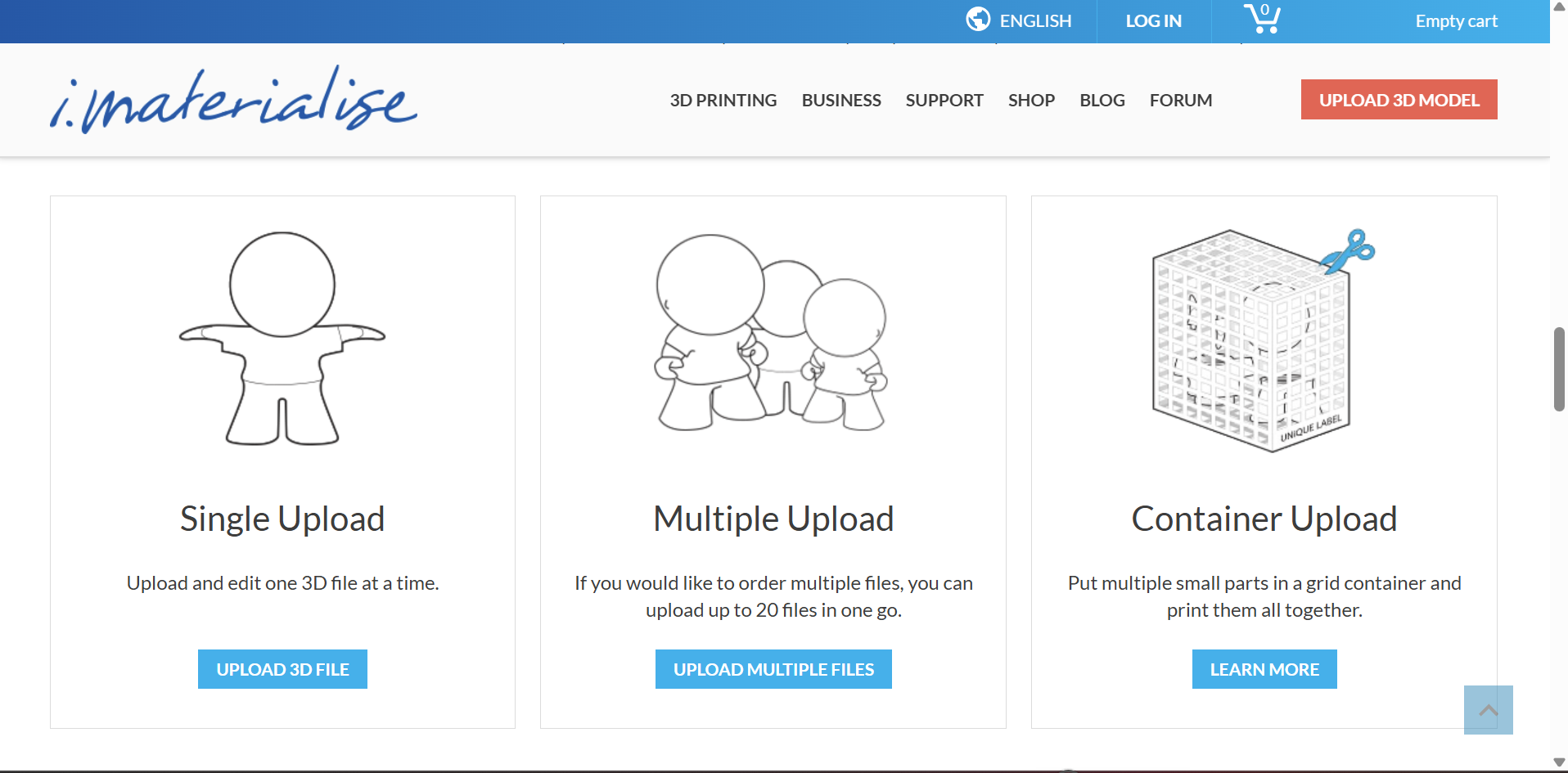
Source: i.materialise.com
● Country: 🇧🇪 Belgium
● In-House Production? Yes (Exclusively)
● Certifications: ISO 13485, EN9100, ISO 9001
● Trustpilot Score: 2.6 / 5.0
Materialise is a global leader in additive manufacturing software and services. Its calculator is tightly integrated with its enterprise solutions, supporting advanced materials and certified production for medical, aerospace, and automotive applications. With its strong regulatory compliance and precision, Materialise is favored by companies needing high-end, certified manufacturing.
Quickparts
Source: quickparts.com
● Country: 🇺🇸 USA
● In-House Production? Yes (Primarily)
● Certifications: ISO 9001, AS9100, ISO 13485
● Trustpilot Score: 4.6 / 5.0
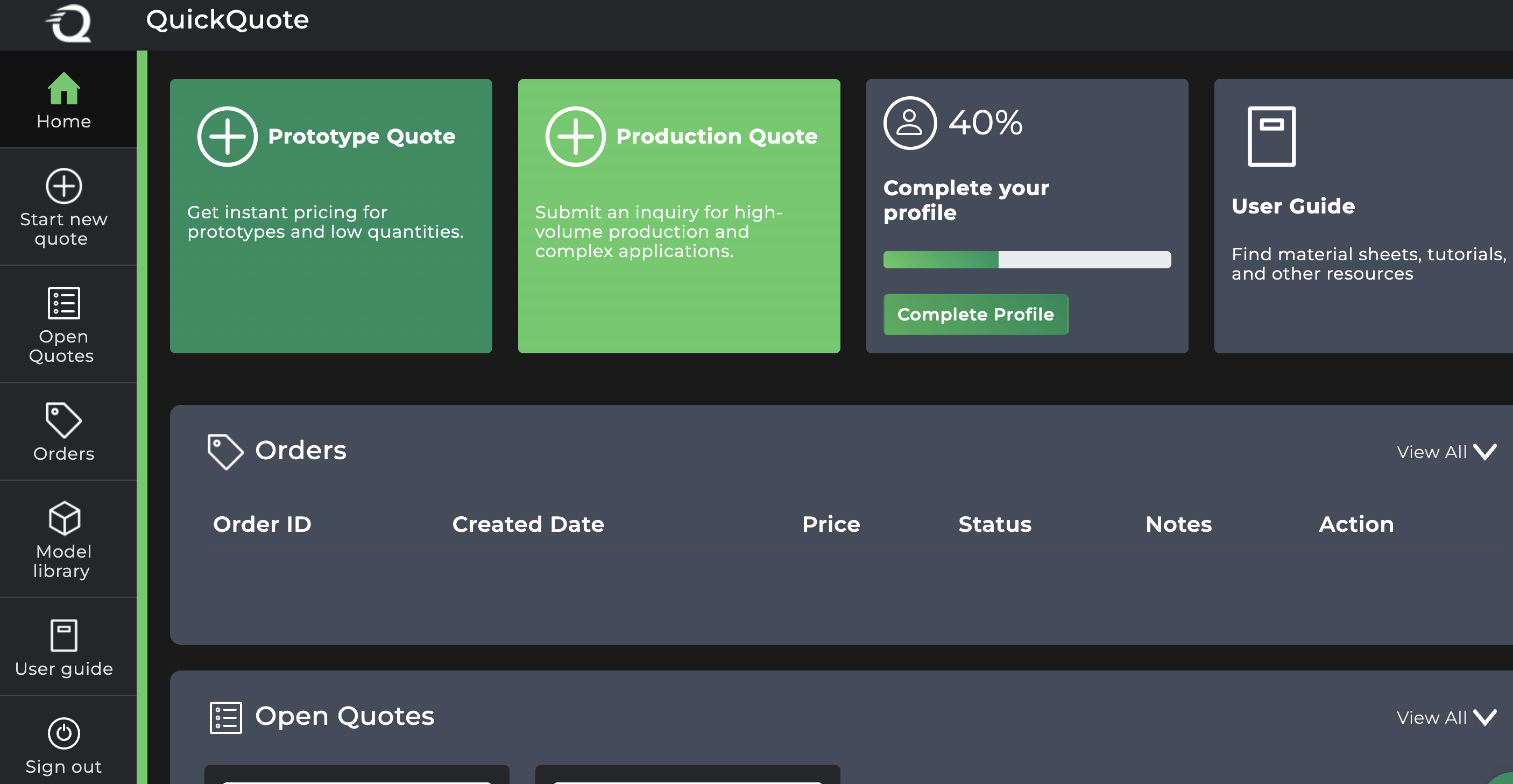
Quickparts specializes in rapid prototyping and low-volume production, offering both 3D printing and CNC solutions. Its cost calculator is designed for custom manufacturing projects, providing instant pricing combined with strong engineering support. This makes it a preferred choice for users with complex designs requiring technical consultation.
Fictiv
Source: hubs.com
● Country: 🇺🇸 USA
● In-House Production? No (Distributed Network Model)
● Certifications: ISO 9001, ISO 13485
● Trustpilot Score: 4.3 / 5.0
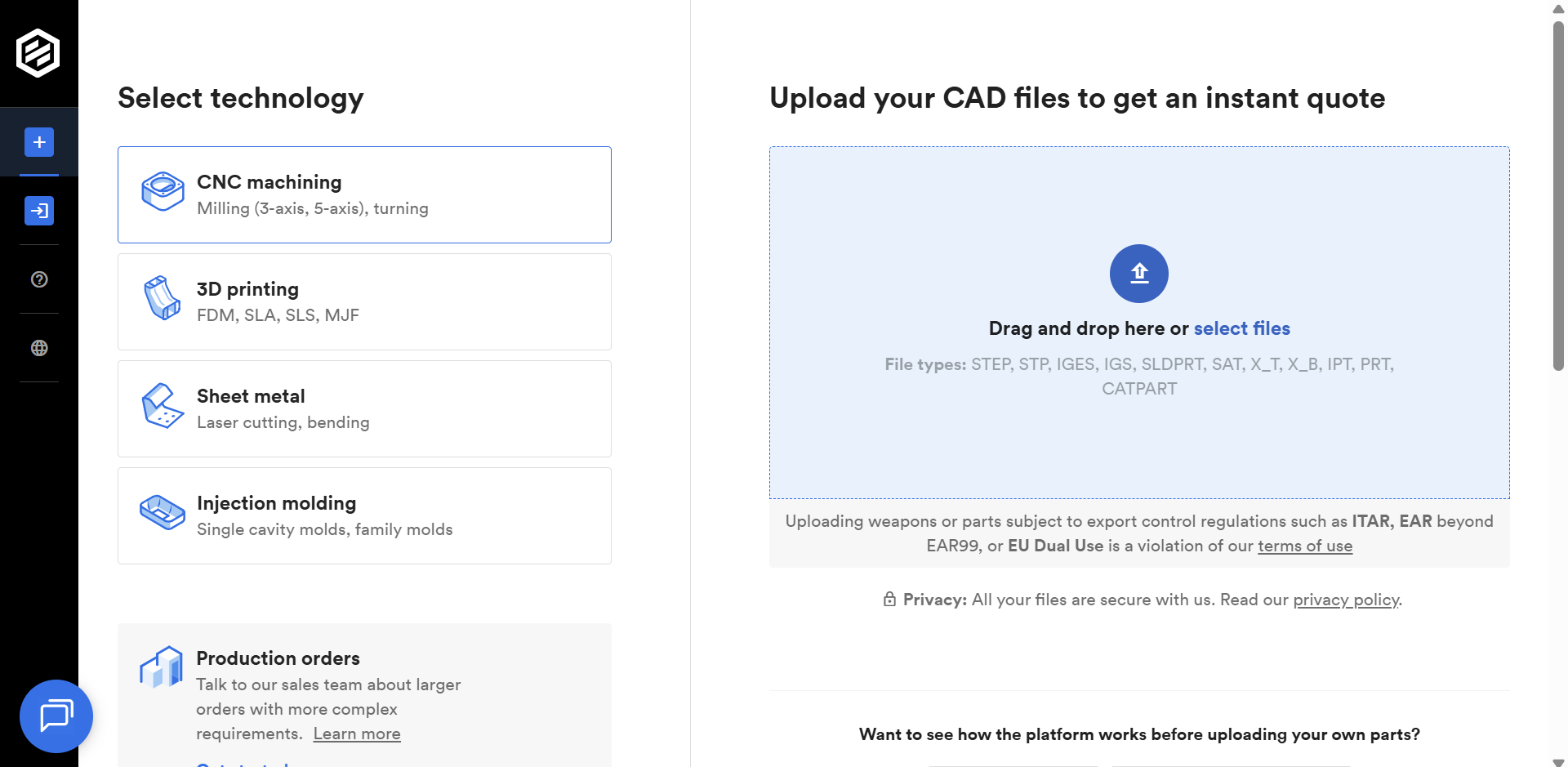
Fictiv brands itself as a “digital manufacturing ecosystem.” Its calculator supports 3D printing, CNC machining, and injection molding, with real-time pricing and supply chain visibility. By leveraging a distributed network, Fictiv offers speed, transparency, and scalability, making it attractive for product teams with tight deadlines.
Igus
Source: igus.co.uk
● Country: 🇩🇪 Germany
● In-House Production? Yes (Specialized)
● Certifications: ISO 9001
● Trustpilot Score: 3.4 / 5.0
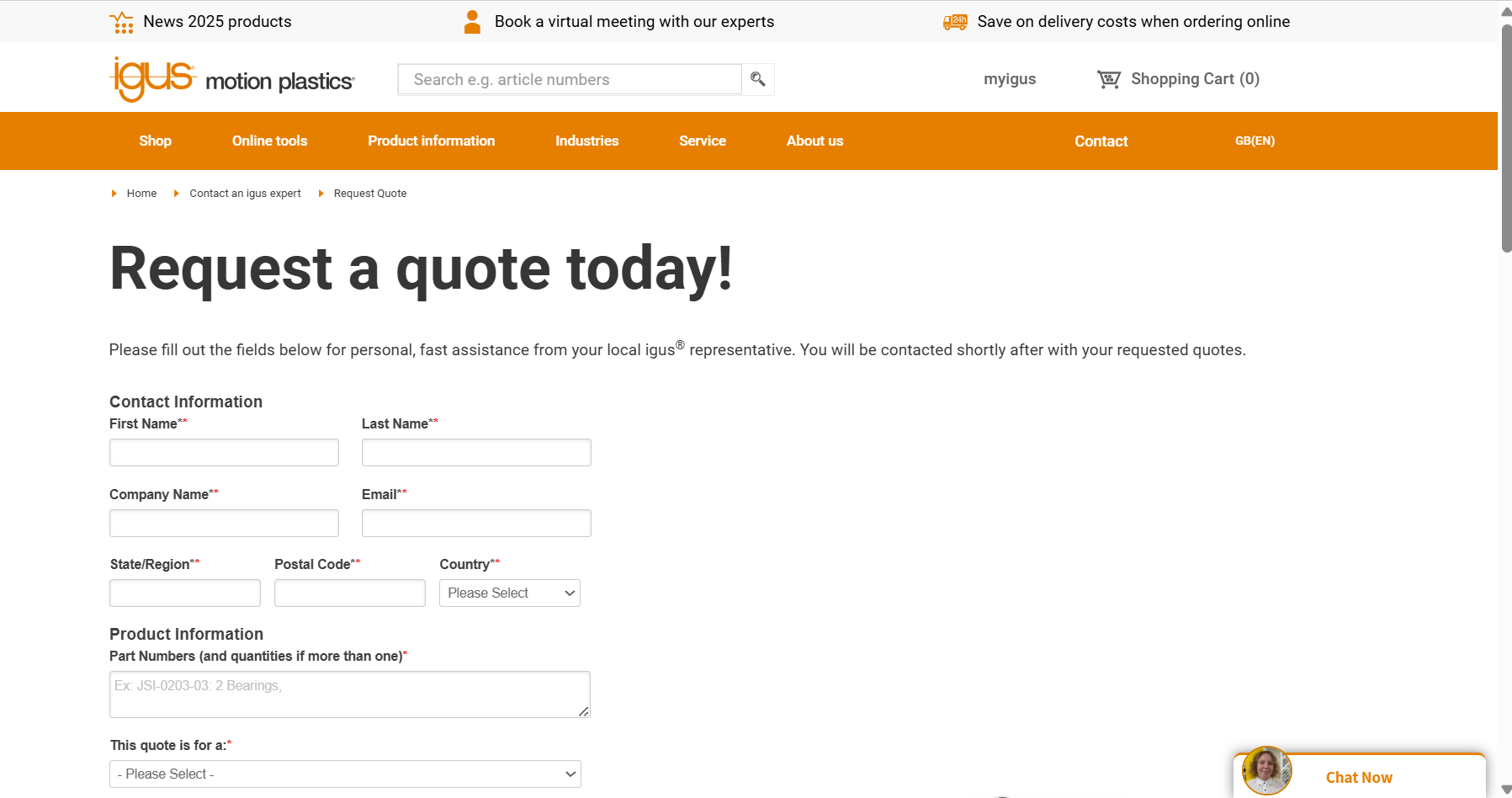
Igus focuses on functional wear-resistant polymer components, particularly bearings, bushings, and motion system parts. Its calculator is specialized for engineers who need durable and predictable plastic parts, optimized for mechanical performance. This niche focus differentiates Igus from general-purpose platforms.
To help you better tell the differences, the following comparison table summarizes the key attributes of the major 3D printing cost calculators discussed above:
|
Platform |
Country |
In-House Production |
Technologies Supported |
Online Instant Quoting |
Certifications |
Trustpilot Score |
|---|---|---|---|---|---|---|
|
Xometry |
🇺🇸 USA |
No (Network Model) |
FDM, SLA, SLS, DMLS, MJF, CNC, Molding |
ISO 9001, AS9100, ITAR |
||
|
Protolabs |
🇺🇸 USA |
Yes (Primarily) |
SLA, SLS, DMLS, CNC, Molding |
ISO 9001, AS9100, ISO 13485 |
||
|
Unionfab |
🇨🇳 China |
Yes (6+ factories, 1,000+ printers) |
SLA, SLS, MJF, FDM, PolyJet, SLM/DMLS, Binder Jetting |
ISO 9001, AS9100, ISO 13485 |
||
|
Sculpteo |
🇫🇷 France |
No (Network Model) |
SLA, SLS, FDM, Binder Jetting |
ISO 9001 |
||
|
Shapeways |
🇺🇸 USA |
Hybrid Model |
SLA, SLS, FDM, Metals |
ISO 9001 |
||
|
Stratasys Direct |
🇺🇸 USA / 🇮🇱 Israel |
Yes (Exclusively) |
PolyJet, FDM, SLA, SLS, SAF |
AS9100, ISO 13485, ITAR |
N/A |
|
|
Materialise |
🇧🇪 Belgium |
Yes (Exclusively) |
SLA, SLS, MJF, FDM, PolyJet, Metals |
ISO 13485, EN9100, ISO 9001 |
||
|
Quickparts |
🇺🇸 USA |
Yes (Primarily) |
SLA, SLS, FDM, CNC, Metals |
ISO 9001, AS9100, ISO 13485 |
||
|
Fictiv |
🇺🇸 USA |
No (Network Model) |
SLA, SLS, FDM, CNC, Molding |
ISO 9001, ISO 13485 |
||
|
Igus |
🇩🇪 Germany |
Yes (Specialized) |
Wear-resistant polymers |
ISO 9001 |
Comparative Analysis of 3D Printing Cost Calculators
To better understand the strengths and limitations of different 3d printing cost calculators, we conducted a comparative analysis of leading platforms including Xometry, Protolabs, Unionfab, and others.
The comparison focuses on several key aspects: supported manufacturing processes and materials, user interface intuitiveness, response speed, transparency of pricing, and availability of features such as post-processing options and lead time predictions.
This table offers a high-level overview to assist users in selecting the most suitable tool for their specific project needs.
|
Platform |
Auto-Quoting Link |
Supported Processes |
Supported Materials |
2D Technical Drawing Supported? |
Threads and Tapped Holes Supported? |
UI Intuitiveness |
Response Speed |
Registration/Work Email Required |
Cost Transparency |
Post-Processing Options |
Lead Time Prediction |
Direct Ordering |
|---|---|---|---|---|---|---|---|---|---|---|---|---|
|
Xometry |
SLS, MJF, FDM, Polyjet, SLA, Carbon DLS, DMLS, Metal Binder Jetting |
Plastics:Resin, Nylon, TPU,PP,ABS, ASA, PC,ULTEM;Metals:Aluminum(AlSi10Mg),316L Stainless Steel,17-4PH Stainless Steel. |
Yes |
Yes |
Professional |
Fast |
Yes |
Printing cost,shipping fee |
Yes but limited |
Yes |
Yes |
|
|
Protolabs |
SLA, FDM,SLS, SLA,MJF |
Plastics:Resin, Nylon, TPU, PLA,ASA,ABS,PETG |
Yes |
No |
Professional |
Fast |
Yes |
Printing cost, shipping fee |
Yes but limited |
Yes |
Yes |
|
|
Unionfab |
SLA, SLS, MJF, FDM, PolyJet, DLP,SLM/DMLS, Binder Jetting |
Plastics:Resin, Nylon, TPU,PETG,PLA,ABS, ASA,PA-CF, PC,ULTEM;Metals:Aluminum(AlSi10Mg), Aluminum 6061,316L Stainless Steel,17-4PH Stainless Steel,Titanium TC4,CuCrZr |
Yes |
Yes |
Intuitive |
Fast |
No |
Printing cost, shipping fee |
Yes with wide choices |
Yes |
Yes |
|
|
Sculpteo |
SLA, SLS, MJF, FDM, PolyJet, LCD,CLIPDLP,SLM/DMLS |
Plastics:Resin, Nylon, PP;Metals:Aluminum,316L Stainless Steel,Titanium. |
No |
No |
Intuitive |
Medium |
No |
Printing cost, Handing Fee, shipping fee |
Yes |
Yes |
Yes |
|
|
Shapeways |
SLA, SLS, FDM, MJF, Binder Jetting |
Plastics:Resin, Nylon,TPE, ABS,ASA,PC,PETG;Metals:Stainless Steel |
No |
No |
Simple |
Medium |
Yes |
Printing cost, shipping fee |
Yes |
No |
Yes |
|
|
Stratasys Direct |
FDM,Polyjet,SL,SLS,MJF,SAF,P3 |
Plastics:Resin, Nylon, ABS,ASA,PC,PEKK. |
Yes |
No |
Profession |
Medium |
Yes |
Printing cost,shpping fee |
Yes but limit |
Yes |
Yes |
|
|
Materialise |
SLA, SLS, MJF, FDM, PolyJet |
Plastics:Resin, Nylon, ABS,PC,Ultem. |
No |
No |
Complex |
Medium |
Yes |
Printing cost only |
Yes |
Yes |
Yes |
|
|
Quickparts |
SLS, FDM,DMP |
Plastics:Nylon,ABS,PC,Ultem;Metals:Titanium,Aluminum,316L Stainless Steel |
Yes |
No |
Professional |
Medium |
Yes |
Printing cost, shipping fee |
No |
Yes |
Yes |
|
|
Fictiv |
     |